Remugan: A Visual Toolkit for Confident Presentations
Presentations often feel like a high-stakes performance. You have a limited window to capture attention, convey complex information, and persuade your audience. The difference between a forgettable slideshow and a memorable one rarely lies in the script alone; it’s in the visual framework that supports your ideas. A cohesive, professional design acts as a silent partner, lending credibility to your words and making data digestible. This is where a well-crafted PowerPoint template transitions from a simple convenience to a strategic asset for anyone from a startup founder pitching investors to a marketer outlining a quarterly campaign.
Beyond Slides: A System for Visual Storytelling
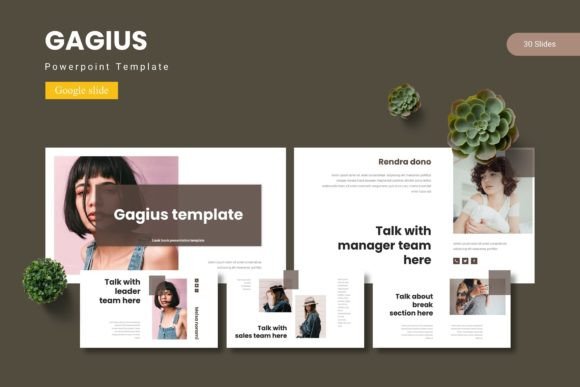
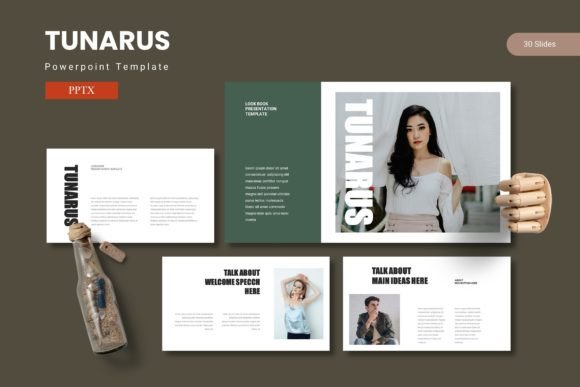
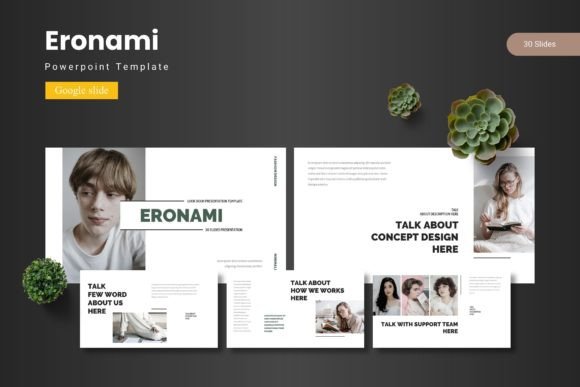
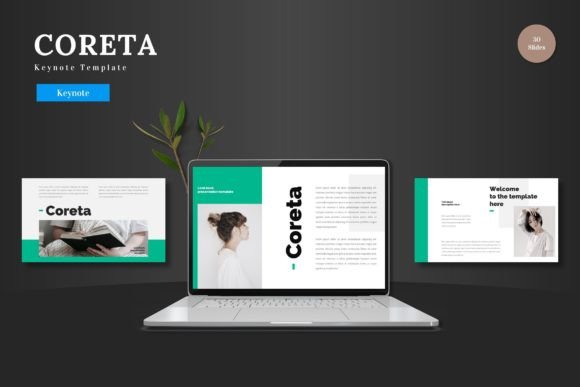
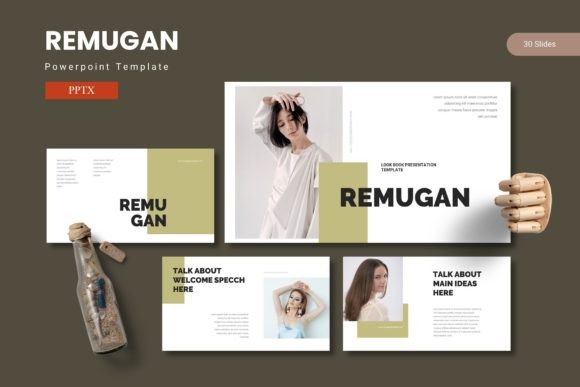
The Remugan PowerPoint Template isn’t just a collection of slides. It’s a visual communication system designed to help you structure your narrative with clarity and impact. The foundation is built on customizable layouts that serve as flexible stages for your content. Whether you’re presenting a financial breakdown, a project timeline, or a creative portfolio, the pre-designed structures guide you toward a logical flow. The true value emerges in the handcrafted infographics and pixel-perfect illustrations. These aren’t generic clipart; they are purpose-built visual tools. A well-designed chart does more than display numbers—it highlights trends and tells a story at a glance. A custom icon set can unify concepts across dozens of slides, creating a visual language unique to your presentation.
This approach directly addresses a common pain point: visual inconsistency. Mixing random charts, mismatched fonts, and disparate color schemes from various sources creates a disjointed experience that can subconsciously undermine your message. By starting with a unified template system, you ensure every element—from the section break slides to the gallery layouts—speaks the same design language. This consistency builds brand recognition within the presentation itself, especially crucial for businesses and creators who need to reinforce their identity in every client interaction or public talk.
Practical Applications for Designers and Entrepreneurs
Let’s move from theory to the tangible projects where this type of design asset proves its worth. For a small business owner, the template becomes a multi-purpose tool. The same visual system can be adapted to create a polished company overview for potential partners, a clear training deck for new hires, or a compelling sales pitch that feels professionally designed without the agency price tag. The drag-and-drop picture placeholder feature is particularly valuable here, allowing for quick integration of product photos or team headshots that maintain the layout’s integrity.
Content creators and bloggers can leverage the template’s structure for more than live presentations. Export slides as individual images to create consistent social media graphics. Use the portfolio and gallery slides to develop a digital lookbook or media kit. The 5 premade color variations offer a simple way to test different aesthetic directions or to tailor presentations to specific client brands you might be working with. For marketers, the data-driven slides are essential for translating analytics into actionable insights during strategy meetings, making complex campaign metrics accessible to cross-functional teams.
Even in editorial and packaging design contexts, the principles are transferable. The typography choices and layout compositions within the template can inspire how you structure a product brochure, a menu, or a digital magazine spread. Observing how text and imagery are balanced on a slide can inform better hierarchy in your print materials. The template essentially acts as a masterclass in applied design, showcasing how to pair fonts effectively, create visual weight, and guide the viewer’s eye intentionally.
Aligning Design with Your Brand’s Voice
Choosing a presentation template is an exercise in brand alignment. The modern, clean aesthetic of a system like Remugan suggests a focus on clarity, professionalism, and contemporary appeal. This makes it a strong fit for tech startups, consulting firms, educational services, or any brand positioning itself as forward-thinking and organized. Before diving in, consider your core brand attributes. Are you playful and creative? You might emphasize the customizable color schemes and graphic elements. Are you data-driven and authoritative? The infographic and chart slides will become your workhorses.
Practical customization is key. Start by applying your brand’s primary and secondary colors to the master slides. This single action transforms the entire deck. Next, review the included font styles. While the template provides typography, ensure it aligns with your existing brand fonts. You may need to swap them out—a straightforward process if the design is built on master slides, which this template is. The goal is not to use the template as-is, but to use its robust framework as a foundation upon which to build your unique brand expression. Always test your final presentation on the device and projector you’ll use, checking for readability and visual impact from the back of the room.
Streamlining Workflow and Maximizing Impact
The efficiency gains from a well-structured template are substantial. Starting from a blank slide is paralyzing for many. Having 150+ slides across five color schemes provides a vast library of starting points, eliminating the “blank page” anxiety. The modular design—30 slides per template with clear section breaks—allows you to mix and match components to suit any presentation length or topic. Need a quick 10-minute update? Pull a few key slides. Building a comprehensive 60-minute keynote? Assemble a logical sequence from the available sections.
This efficiency directly translates to professional presentation. A polished deck signals that you value your audience’s time and take your own message seriously. It enhances engagement by reducing cognitive load; when viewers aren’t distracted by poor design, they can focus entirely on your content. For entrepreneurs and freelancers, this professionalism can be a differentiator, helping to build trust and close deals. Remember, the included file structure—with a dedicated readme for font and photo information—ensures you can properly license any external assets, a critical step for commercial use.
In the end, a tool like the Remugan PowerPoint Template is about empowerment. It provides the visual scaffolding so you can concentrate on what you do best: sharing your expertise, telling your story, and connecting with your audience. It turns the daunting task of design into a manageable, even enjoyable, part of the communication process, allowing your ideas to shine through with the confidence they deserve.