Guneca: A Modern Google Slide Template for Professional Designers
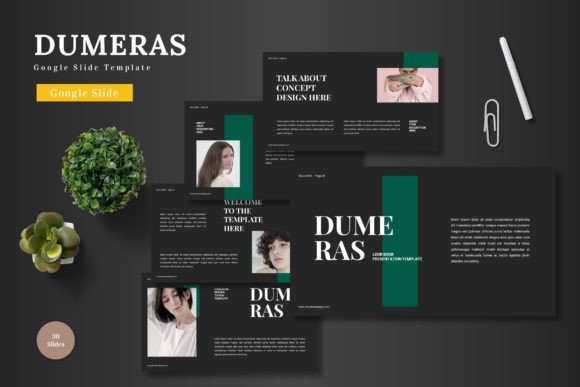
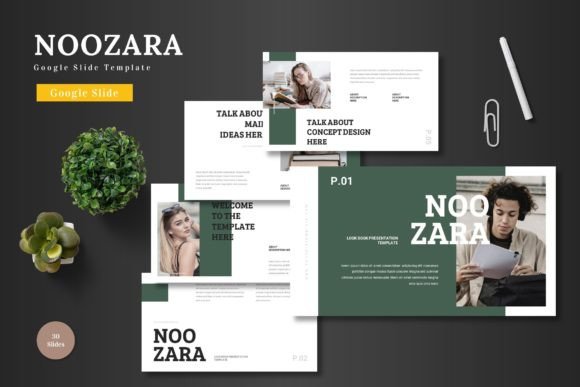
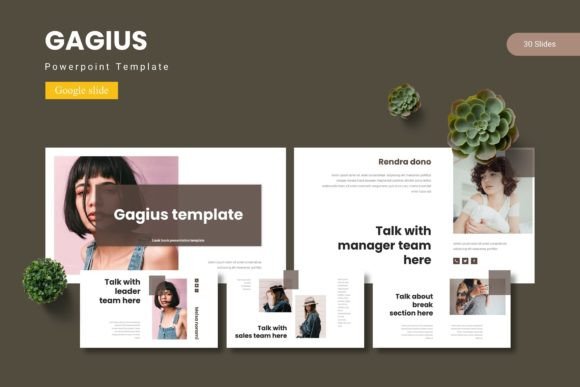
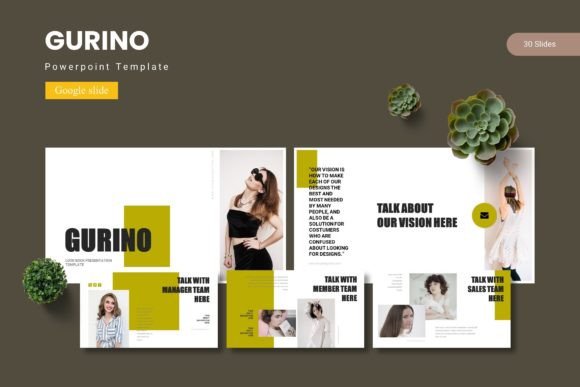
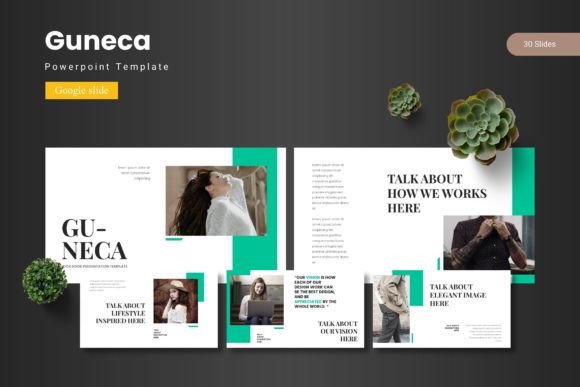
Every designer, entrepreneur, and content creator eventually hits a wall when trying to organize a complex idea into a visual story. You have the data, the strategy, and the content, but arranging it so that it doesn't bore your audience or confuse your stakeholders is a specific skill set. This is where a solid framework becomes your best friend. Instead of starting with a blank canvas and agonizing over pixel placement, having a robust, flexible foundation allows you to focus on the narrative. That is the core value proposition of the Guneca - Google Slide Template. It is not just a collection of slides; it is a comprehensive design system built for versatility, offering over 150 distinct layouts across five premade color schemes to handle virtually any presentation challenge you face.
Design Versatility and Visual Consistency
One of the biggest struggles in maintaining a professional image is visual consistency. When you are building a brand identity, whether for a startup or a personal blog, the look and feel of your pitch deck needs to match your website, your social media graphics, and your packaging. Guneca addresses this by utilizing a structure based on Master Slides. This means that changes made to the master design automatically cascade throughout the presentation, ensuring that your fonts, colors, and layout grids remain uniform. You aren't just getting a static file; you are getting a dynamic tool where every graphic is resizable and editable. This is crucial for small business owners who need to adapt their marketing assets on the fly without breaking the visual design rules they have established.
The template includes pixel-perfect illustrations and handcrafted infographics, which serve a dual purpose. First, they provide immediate visual appeal, saving you the time of sourcing external icons or vector art. Second, they are designed to be modular. You can take an infographic meant for financial data and repurpose it for a timeline in a project management presentation. This adaptability makes it a premium asset for marketing professionals who need to convey complex information quickly. Whether you are presenting a quarterly review to investors or explaining a new product feature to customers, the ability to drag and drop images into placeholders means your focus stays on the story, not the technicalities of formatting.
Practical Applications for Branding and Marketing
While the primary function of this asset is presentations, a high-quality template system like Guneca often serves as a springboard for broader brand identity work. For graphic designers, the layout structures provided here are excellent references for editorial design and web design. The spacing, the hierarchy of text, and the relationship between imagery and white space in these slides can inspire layouts for brochures, annual reports, or even landing pages.
Consider the needs of a content creator or a blogger. You are constantly creating digital products, such as media kits, lead magnets, or workshop materials. Using a cohesive template ensures that your materials look polished and professional, which builds trust with your audience. Here are a few specific ways this template can be utilized beyond the boardroom:
- Social Media Graphics: Use the slide layouts as a canvas for Instagram carousels or Pinterest pins. Export individual slides as high-resolution images to maintain a consistent aesthetic across platforms.
- Digital Products: If you are selling an e-book or a digital course, the section break slides and gallery layouts can be adapted to create visually stunning PDF guides.
- Client Pitches: For freelancers and agencies, the ability to switch between five different color variations allows you to quickly tailor a pitch deck to match a specific client’s branding without starting from scratch.
- Portfolio Presentation: The gallery and portfolio slides are specifically designed to showcase visual work. Photographers, illustrators, and UI designers can use these to create a clean, distraction-free showcase of their best projects.
Typography and Hierarchy in Presentation Design
A common oversight in presentation design is the failure to establish a clear typographic hierarchy. When every piece of text looks the same, the audience doesn't know where to look first. A professional display font is essential for headers to grab attention, while a clean sans serif font ensures readability for body text. While the specific typography choices are up to you, Guneca is designed to support modern typography trends. It encourages the use of bold headlines paired with lighter, airy body text, creating a balance that is easy on the eyes during long presentations.
When customizing the template, pay close attention to how you pair your fonts. A good rule of thumb is to mix a serif font with a sans serif font to create contrast, or use a script font sparingly for accent text to add a touch of personality. However, readability should always be your north star. Avoid overly decorative fonts for long paragraphs. Instead, use them for logos or specific call-outs. The template's structure is built to accommodate these choices, providing ample space for text so that you don't end up with "wall-of-text" slides that disengage your audience.
Streamlining Workflow and Efficiency
For the entrepreneur or small business owner, time is a finite resource. The "blank page paralysis" is real, and it costs money. By utilizing a template with over 150 slides, you drastically reduce the time spent on layout decisions. The inclusion of section break slides is a subtle but powerful feature. These visual pauses help segment your presentation, allowing your audience to mentally reset before the next topic. It mimics the chapter breaks in a book, improving the flow of information.
Furthermore, the technical backend of the Guneca template simplifies the workflow. Because it is based on Master Slides, making global changes is effortless. If you decide halfway through your project that the accent color needs to be a darker shade of blue, you change it once in the master, and it updates everywhere. This non-destructive editing capability is a hallmark of professional design assets. It ensures that your files remain lightweight and easy to manage, even as the presentation grows.
Final Thoughts on Creative Asset Management
In the realm of digital marketing and design, the tools you use define your output quality. Investing in high-quality assets is not an expense; it is a time-saving measure that elevates your professional standing. The Guneca - Google Slide Template offers a comprehensive solution for anyone needing to communicate ideas visually. From the flexibility of its color schemes to the precision of its infographic elements, it provides the building blocks for effective visual communication. Whether you are preparing a keynote speech, a marketing proposal, or a portfolio review, having a versatile, editable, and well-structured template in your toolkit ensures that your ideas are always presented in the best possible light.