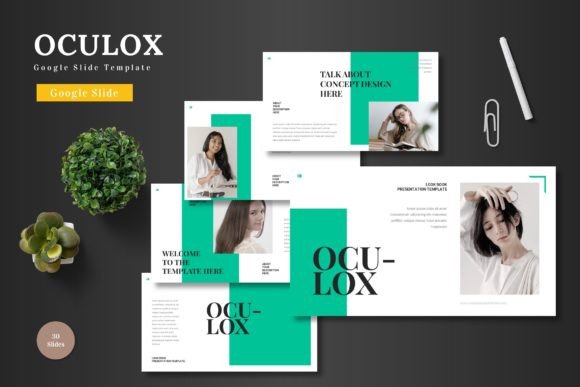
Oculox: A Flexible Google Slide Template for Visual Storytelling
Creating a presentation that actually holds attention requires more than just bullet points and a logo on the first slide. It demands a cohesive visual language that guides the audience through your narrative. This is where a well-structured asset like the Oculox template comes into play, offering a robust foundation for anyone from entrepreneurs to educators who need to convey complex ideas with clarity and style.
Beyond the Basic Slide Deck
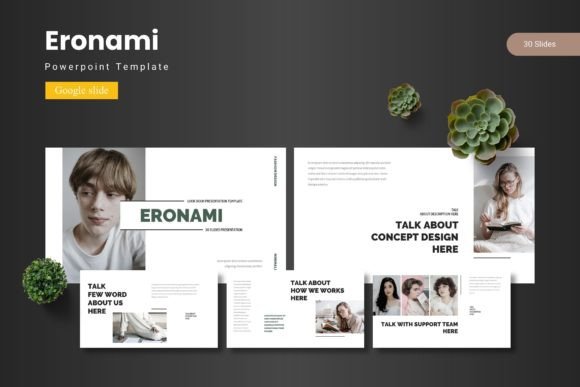
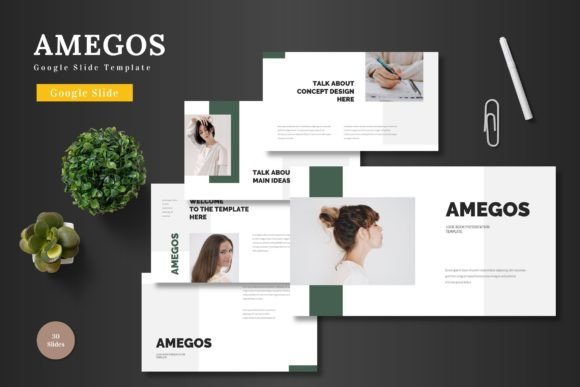
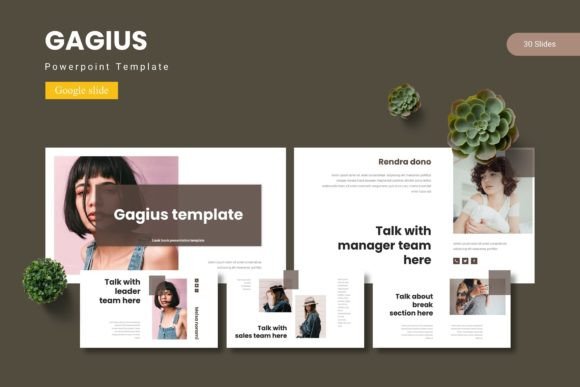
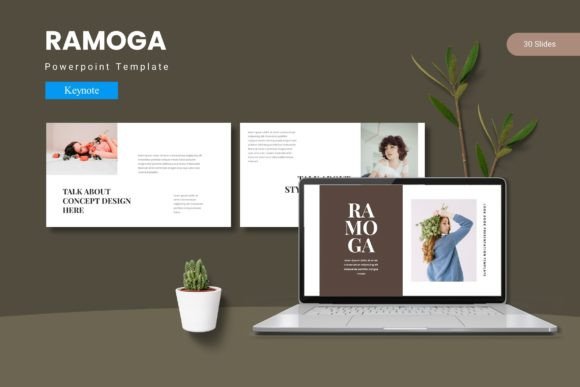
Think of a presentation not as a series of individual frames, but as a single, flowing visual document. The strength of a resource like this lies in its systematic approach. With over 150 total slides organized into five distinct color schemes, it provides a comprehensive toolkit. You aren't just getting a handful of layouts; you're getting a design system. Each of the five premade themes contains 30 meticulously arranged slides, including dedicated section breaks. This structure is invaluable for maintaining visual consistency across a lengthy pitch, a multi-module workshop, or a detailed project update. The inclusion of handcrafted infographics and pixel-perfect illustrations means you can visualize data and concepts without spending hours searching for or creating supporting graphics.
Practical Applications for Real Projects
The true test of any design asset is its versatility. Let's explore how this template can be adapted for various professional scenarios, moving far beyond a standard corporate meeting.
- For the Entrepreneur & Small Business Owner: Use it to craft a compelling investor pitch deck. The gallery and portfolio slides are perfect for showcasing product lines, client testimonials, or case study results. The consistent color schemes help reinforce your brand identity from the first slide to the last, building recognition and trust.
- For Marketers & Content Creators: Develop visually engaging webinar slides, online course materials, or social media content series. The master slide functionality ensures that every piece of content aligns with your brand guidelines. You can easily drag and drop images into placeholders, streamlining the creation of promotional graphics or educational content.
- For Designers & Agencies: Utilize it as a starting point for client presentations. The editable graphics and resizable elements allow for quick customization to match a client's specific brand palette and style. It serves as a professional framework that can be tailored, saving valuable time during the design process.
- For Internal Communications: Transform mundane quarterly reports or project updates into clear, visually digestible narratives. The infographic slides help break down complex data, while the structured layout ensures information is presented in a logical, easy-to-follow sequence.
Maximizing Visual Impact and Functionality
To get the most out of a template like this, a strategic approach is key. Simply filling in the blanks isn't enough; the goal is to make it your own while leveraging its built-in strengths.
Start with Your Brand's Core. Before you even open the file, have your brand's color hex codes, primary and secondary fonts, and logo files ready. The five color variations are a fantastic starting point, but don't hesitate to customize the master slides to perfectly match your established brand identity. This ensures every presentation you deliver feels uniquely yours.
Prioritize Readability and Flow. The template provides a clean canvas, but content hierarchy is your responsibility. Use the provided layouts to guide the viewer's eye. Place your most critical message in a prominent position. Ensure text has ample contrast against its background. The design is there to support your message, not overshadow it.
Leverage the Modularity. The 30 slides per theme are designed to be mixed and matched. You don't need to use them in order. Pull the section break slides from one theme to use in another, or combine specific infographic layouts from different color schemes if it serves your story better. This flexibility is a significant advantage for creating unique decks for different audiences.
Consider the Entire Ecosystem. Think about how your presentation fits into your broader marketing assets. Could the visual style of a slide be adapted into a social media graphic? Could an infographic be repurposed for a blog post or a printed handout? A cohesive visual system like this helps bridge the gap between your digital and physical brand touchpoints, from websites and blogs to print materials and posters.
A Foundation for Professional Communication
Ultimately, a tool is only as effective as the person using it. The Oculox template provides a professional-grade foundation that eliminates the guesswork of layout and basic design. It empowers you to focus on what truly matters: your story, your data, and your connection with the audience. By investing a little time in customization and strategic content placement, you transform a pre-made asset into a powerful extension of your brand's voice, ensuring your next presentation is not only seen but remembered.