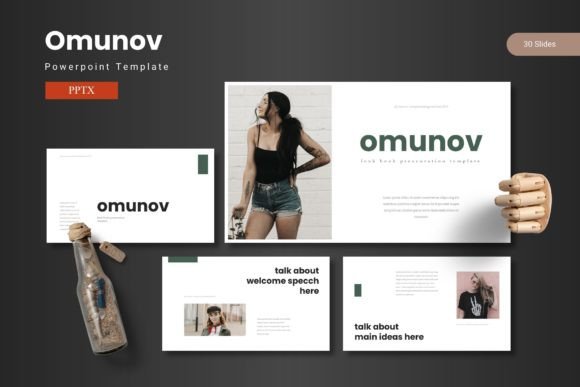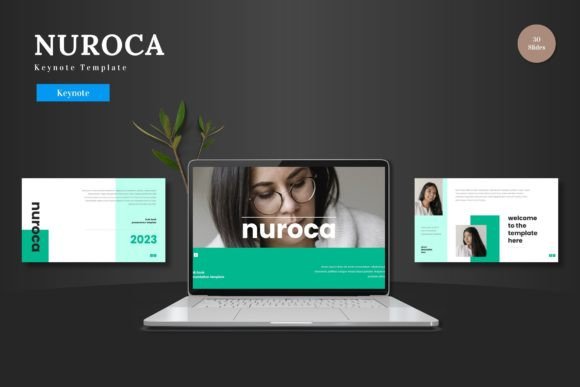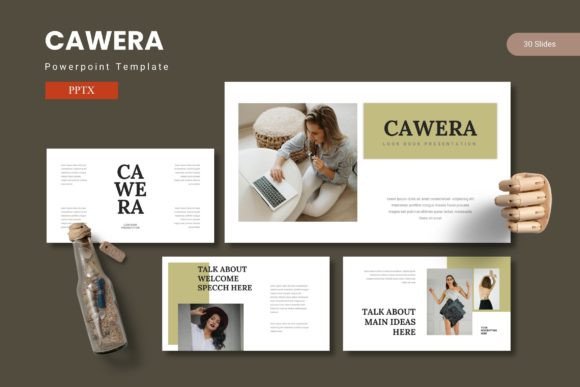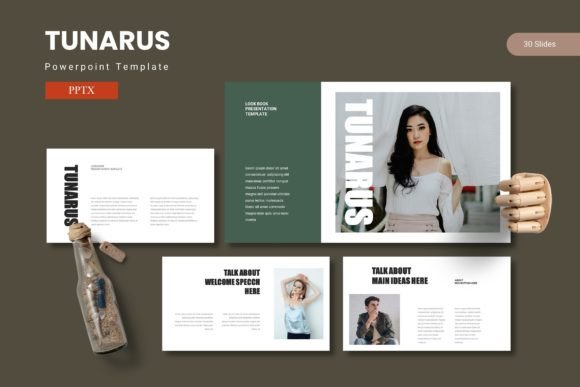
Ocuras: Crafting Presentations That Actually Connect
We’ve all sat through them—those presentations where the slides are so cluttered with bullet points and mismatched graphics that you start planning your grocery list halfway through. The content might be brilliant, but if the delivery is visually chaotic, the message gets lost. That’s the gap the Ocuras PowerPoint Template is designed to bridge. It’s not just about making slides look pretty; it’s about creating a visual language that supports your story, making complex information digestible and your ideas memorable.
More Than a Set of Slides: A Visual Communication System
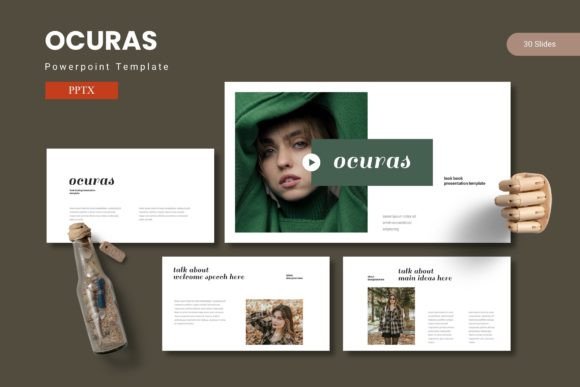
Think of Ocuras less as a single template and more as a foundational toolkit for visual storytelling. With over 150 slides built on a master slide framework, it provides a consistent backbone for your entire presentation. This structure is crucial for maintaining brand identity across multiple decks. Imagine your pitch deck, internal training module, and quarterly report all sharing the same visual DNA—same color palettes, same typographic hierarchy, same style of infographics. That consistency builds recognition and professionalism. The five premade color schemes aren’t just random hues; they’re curated palettes that set different tones, whether you need the energy of vibrant contrasts or the calm authority of muted tones.
The real power lies in its practical design. Every graphic element is fully resizable and editable, which means you’re not locked into a pre-designed icon that doesn’t quite fit your data. The pixel-perfect illustrations and handcrafted infographics are starting points, not final products. Drag-and-drop picture placeholders streamline the process of adding your own imagery, turning a generic stock photo into a personalized part of your narrative. This level of customization is what separates a template you use from a template that works for you.
Practical Applications Across Your Brand Ecosystem
While built for PowerPoint, the design principles within Ocuras have a much wider reach. The clean layouts and balanced composition are a masterclass in modern typography and visual hierarchy that you can apply elsewhere.
- Branding & Identity: Use the color schemes and grid structures as a direct reference when developing your brand’s style guide. The way information is spaced and organized in the slides can inform the layout of your website, business cards, and letterheads.
- Social Media & Marketing: Export individual slide designs as static images for Instagram carousels, Facebook ads, or LinkedIn banners. The infographic slides are perfect for breaking down a process or statistic for a social media audience.
- Digital Products & Content: Adapt the portfolio and gallery slide layouts to create lookbooks, digital catalogs, or e-book chapters. The visual flow is already optimized for readability and engagement.
- Pitching & Proposals: Combine data-driven charts with impactful section breaks to tell a compelling story to investors or clients. The professional presentation aesthetic immediately boosts credibility.
This approach turns a single design asset into a multiplier for your creative projects. You’re not just buying a PowerPoint file; you’re investing in a visual system that can inform your packaging design, the layout of a blog post, or the aesthetic of a poster. It’s about seeing the underlying design language—the spacing, the color relationships, the typographic balance—and applying it to solve different visual problems.
Choosing and Pairing for Maximum Impact
A template is only as good as the content and typography you bring to it. Ocuras provides the canvas, but your choice of typeface paints the picture. Here’s how to approach it strategically.
First, consider the mood. Is your brand voice authoritative and modern? A clean sans serif font for headings paired with a highly readable serif for body text can create a classic, trustworthy feel. Going for something more innovative or creative? You might introduce a single, distinctive display font for key headings, using a neutral sans serif to keep the body copy crisp. The template’s clean structure means it won’t compete with a bold typeface choice—it will frame it.
Always test your font pairings within the actual slides. A font that looks great on a blank page might feel too heavy or too thin when placed on one of the Ocuras data slides or next to an infographic. Check readability at a glance; if someone in the back of a conference room can’t decipher your key points in 3 seconds, simplify. The goal is seamless communication, not a typography showcase.
Licensing and Final Considerations
Before you dive in, a practical note on usage. Ensure the font you choose for your final presentation has the appropriate commercial license for your intended use, especially if you plan to distribute the deck widely or use the exported graphics for merchandise. The “Readme First” file included with the Ocuras template is your friend here—it contains essential information about the fonts and photos used in the previews, helping you avoid any licensing hiccups.
Ultimately, a tool like Ocuras is about reducing friction between your idea and its expression. It handles the heavy lifting of layout, consistency, and visual appeal, freeing you to focus on refining your message and connecting with your audience. Whether you’re a small business owner pitching to a new client, a marketer launching a campaign, or a teacher designing a course module, having a reliable, adaptable visual framework means you spend less time wrestling with design software and more time shaping ideas that resonate.